

Description
Download Lenovo Legion Toolkit – Legion laptop optimization, performance monitoring, battery management, graphics control, power plan settings
Overview
Lenovo Legion Toolkit is a lightweight utility application designed specifically for users of Lenovo Legion laptops. Its primary purpose is to streamline performance monitoring and system optimization, offering a more focused alternative to broader system management tools like Lenovo Vantage. The app targets power users, gamers, and professionals who require precise control over their laptop’s hardware settings to maximize efficiency and responsiveness.
By centralizing key system functions—such as energy mode selection, graphics switching, and battery diagnostics—Lenovo Legion Toolkit helps users adapt their device’s performance to real-time demands. Whether prioritizing battery longevity during travel or boosting graphics performance for gaming, the app enables informed decisions based on immediate usage scenarios. It serves as a critical tool in the Legion ecosystem, bridging the gap between out-of-the-box functionality and advanced user customization.
Developed by Lenovo, a recognized leader in high-performance computing, the toolkit reflects a commitment to delivering optimized experiences for its gaming and productivity-focused hardware. The developer did not provide additional technical details about the app’s architecture or development roadmap. Specific requirements were not listed. Compatibility information was not fully disclosed. However, the app’s lightweight nature and targeted functionality suggest it is designed for seamless integration with Legion laptops running modern Windows systems.
Key Features & Functionality
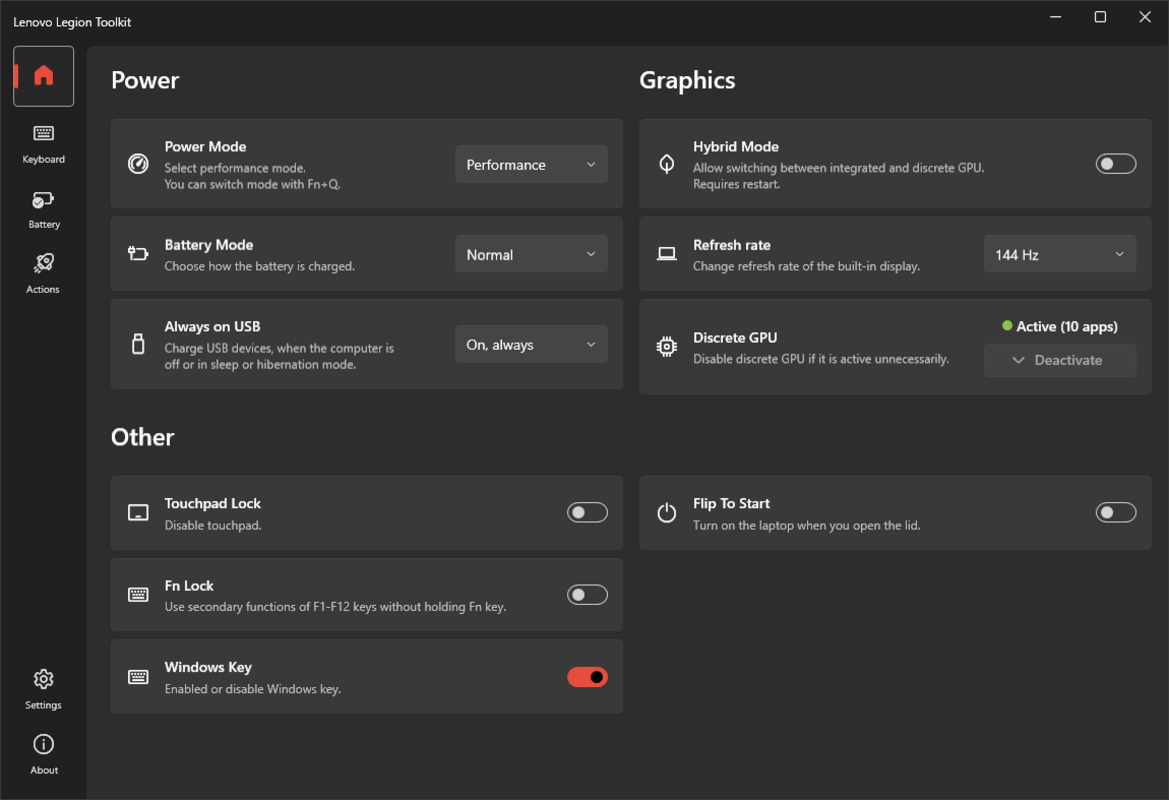
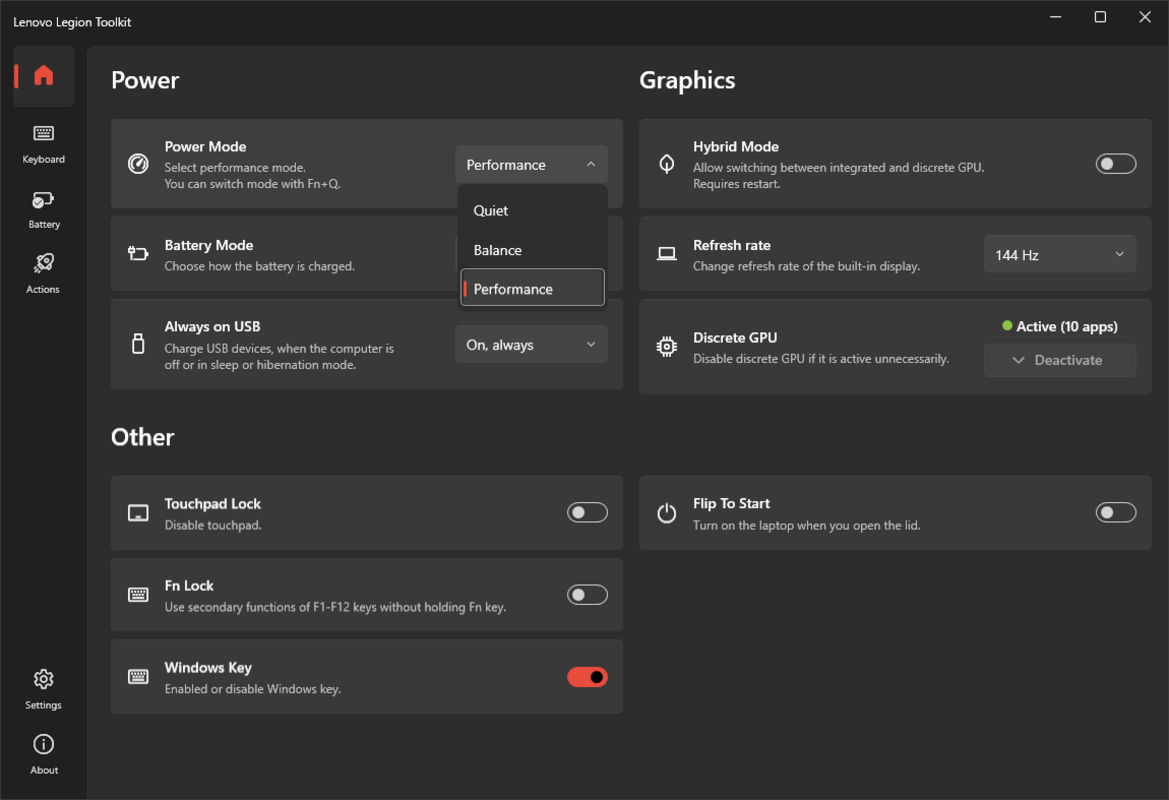
- Energy Management: Users can select from performance, balanced, or battery-saving energy modes, allowing dynamic adaptation to current tasks. The app also supports customizable charging methods and the ability to charge external devices via USB, enhancing portability and convenience.
- Graphics Control: The toolkit enables hybrid graphics mode, letting users switch between integrated and dedicated GPUs. It allows specific applications—such as games or creative software—to be assigned to the dedicated GPU for improved performance and responsiveness.
- Customizable Functionality: Options include disabling the touchpad, reconfiguring F and Fn key behavior, enabling or disabling the Windows key, and setting the laptop to power on automatically when the lid is opened—ideal for tailoring workflows and minimizing interruptions.
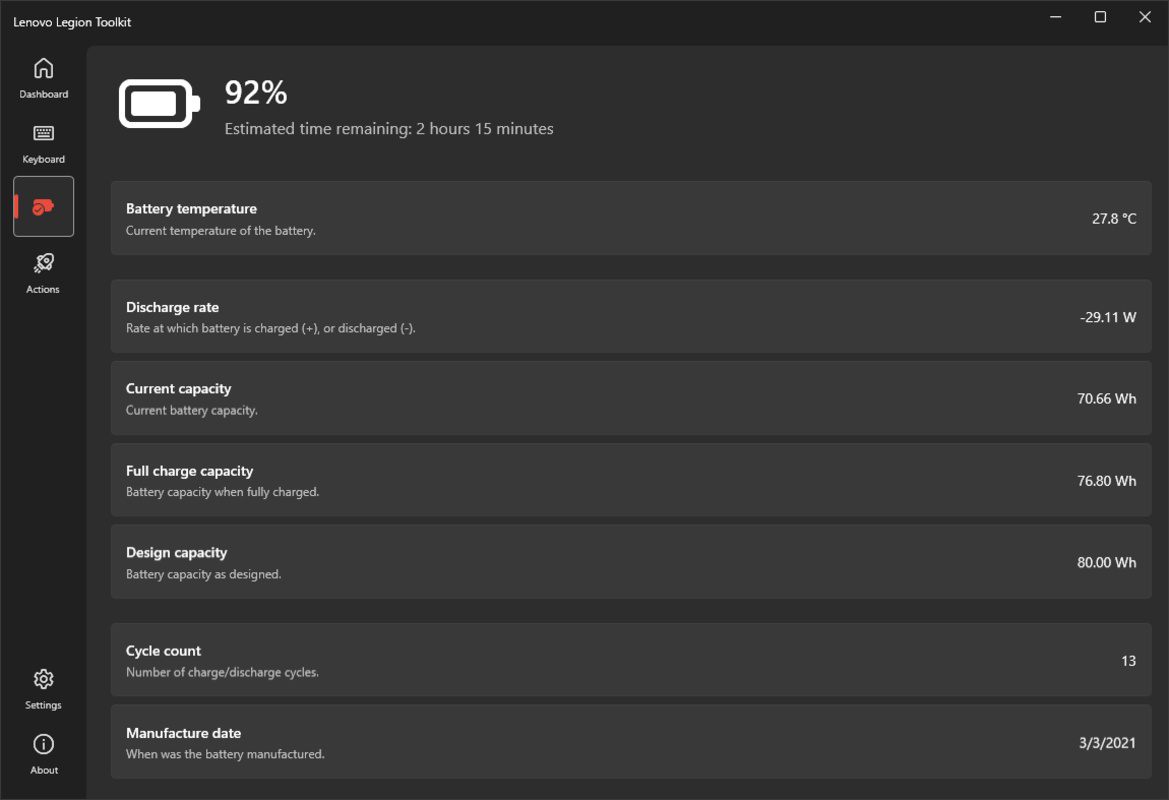
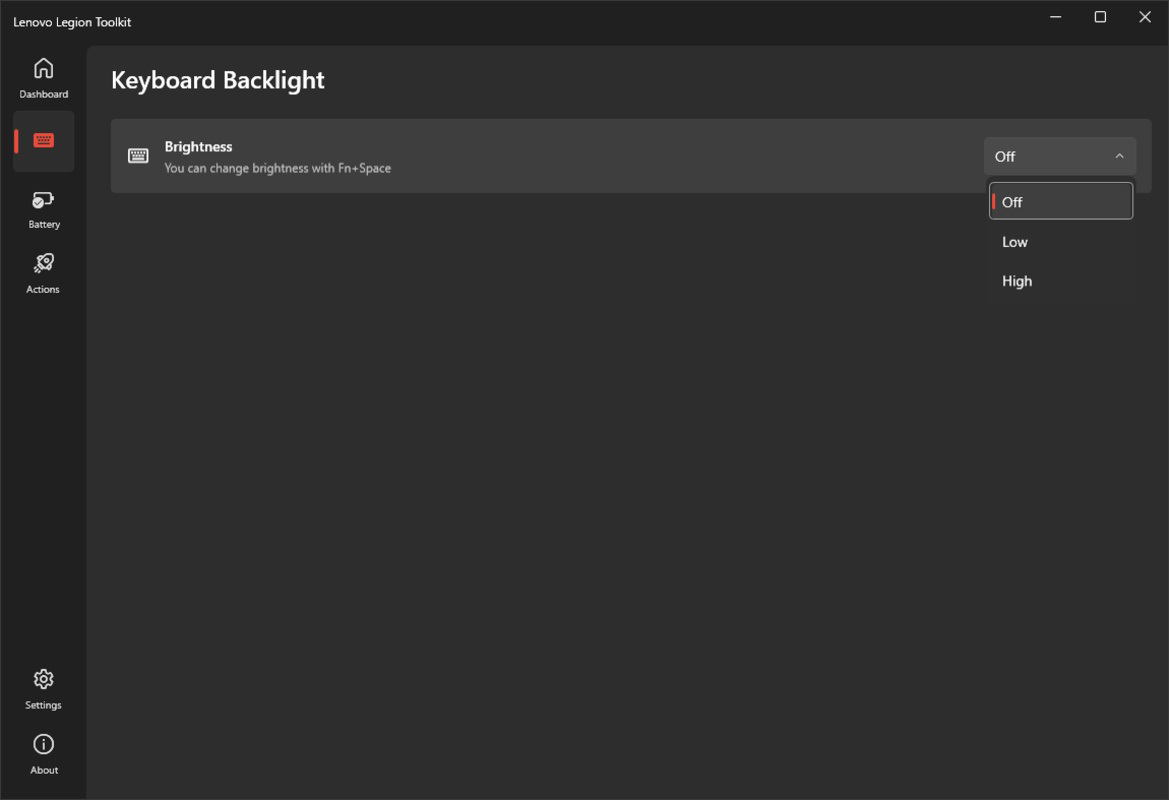
- Keyboard and Battery Monitoring: The keyboard brightness can be adjusted for visibility in different lighting conditions. The Battery tab provides detailed insights into temperature, discharge rate, remaining capacity, charge cycles, and manufacturing date, supporting proactive battery health management.
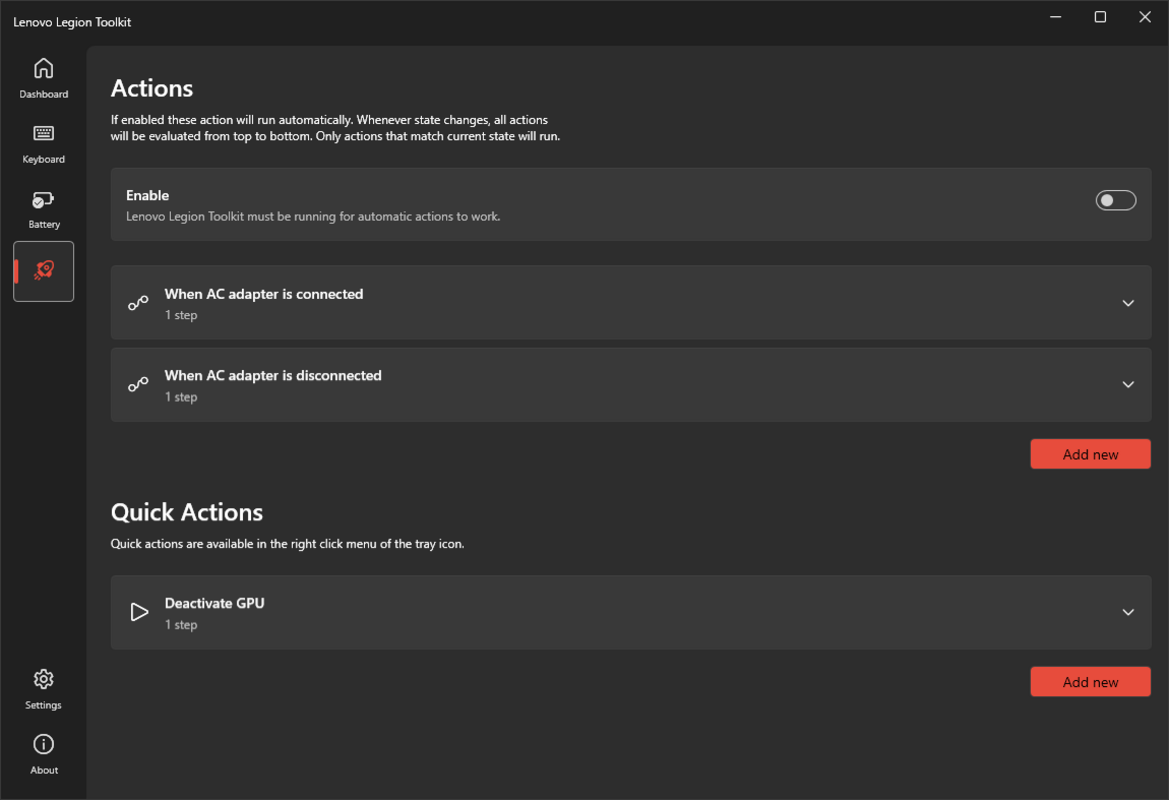
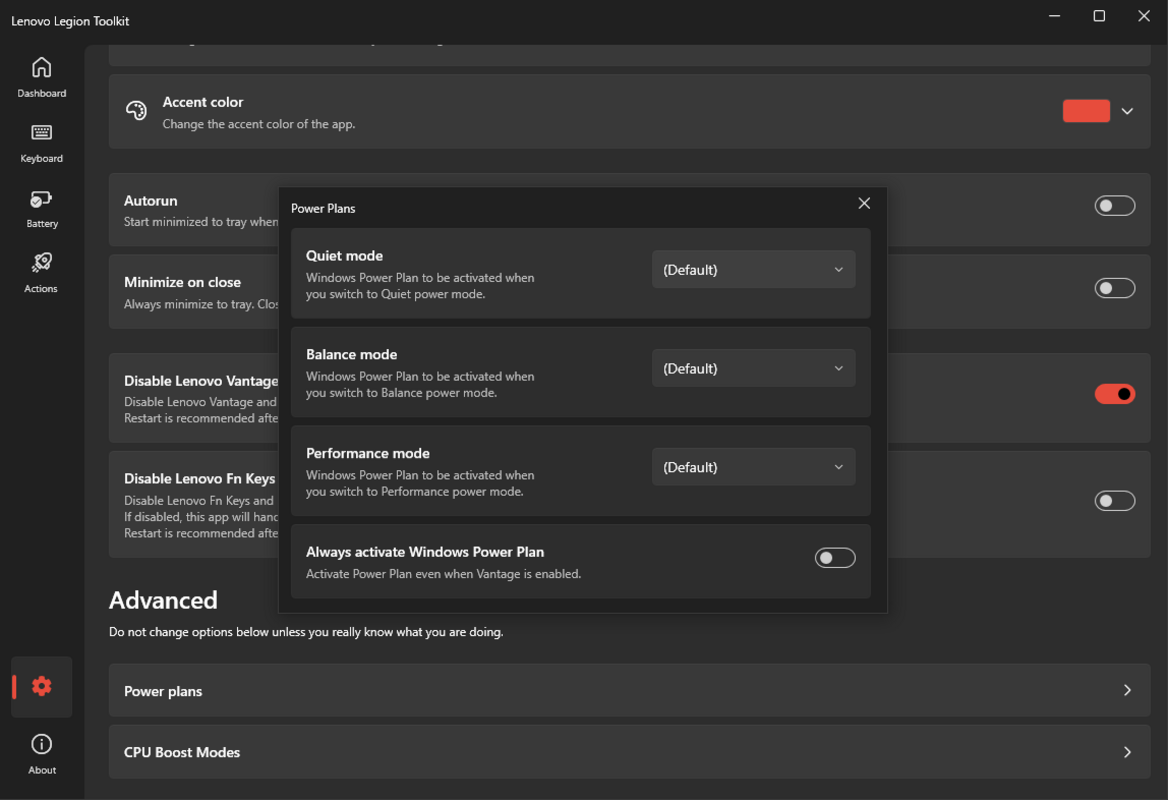
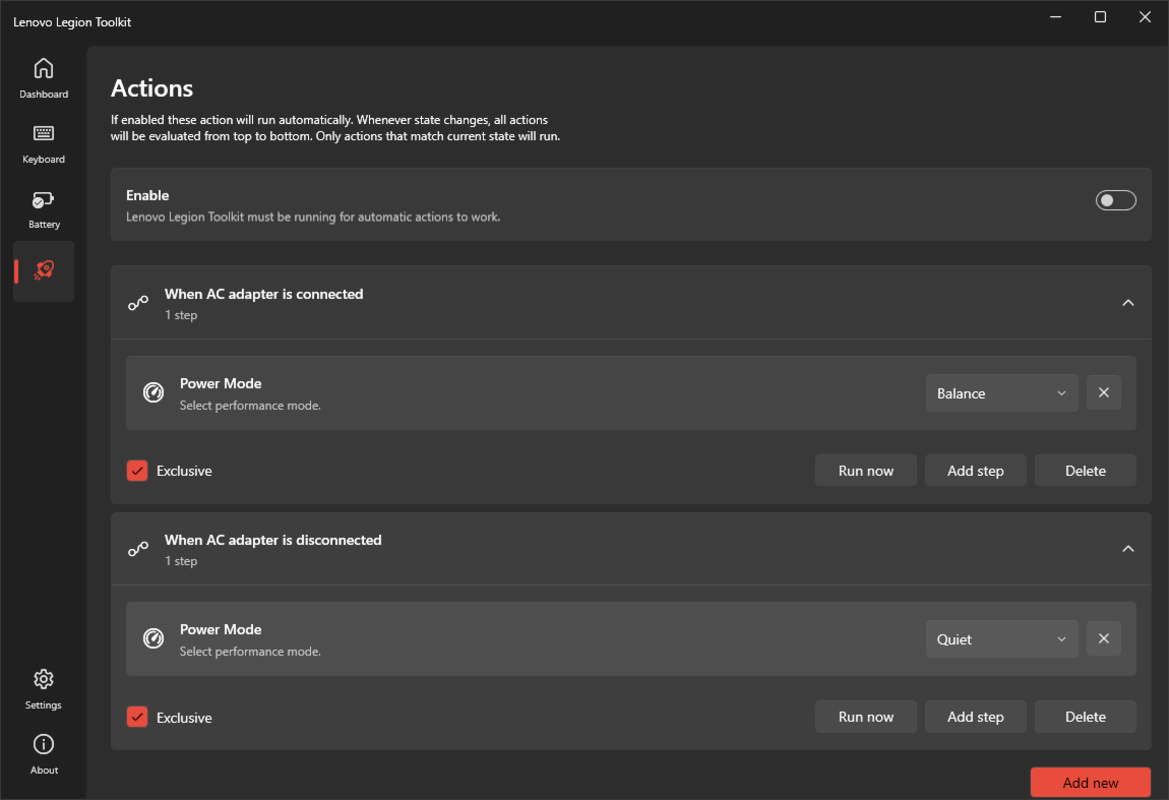
- Power Plan Management: Users can define which power plan activates when the laptop is plugged in or disconnected, ensuring consistent performance settings across usage scenarios without manual reconfiguration.
These features collectively support real-world use cases such as extending battery life during remote work, optimizing frame rates during gaming sessions, and reducing system latency during content creation. The app’s modular design ensures users access only what they need, avoiding the clutter of unnecessary tools.
Interface, UX & Performance
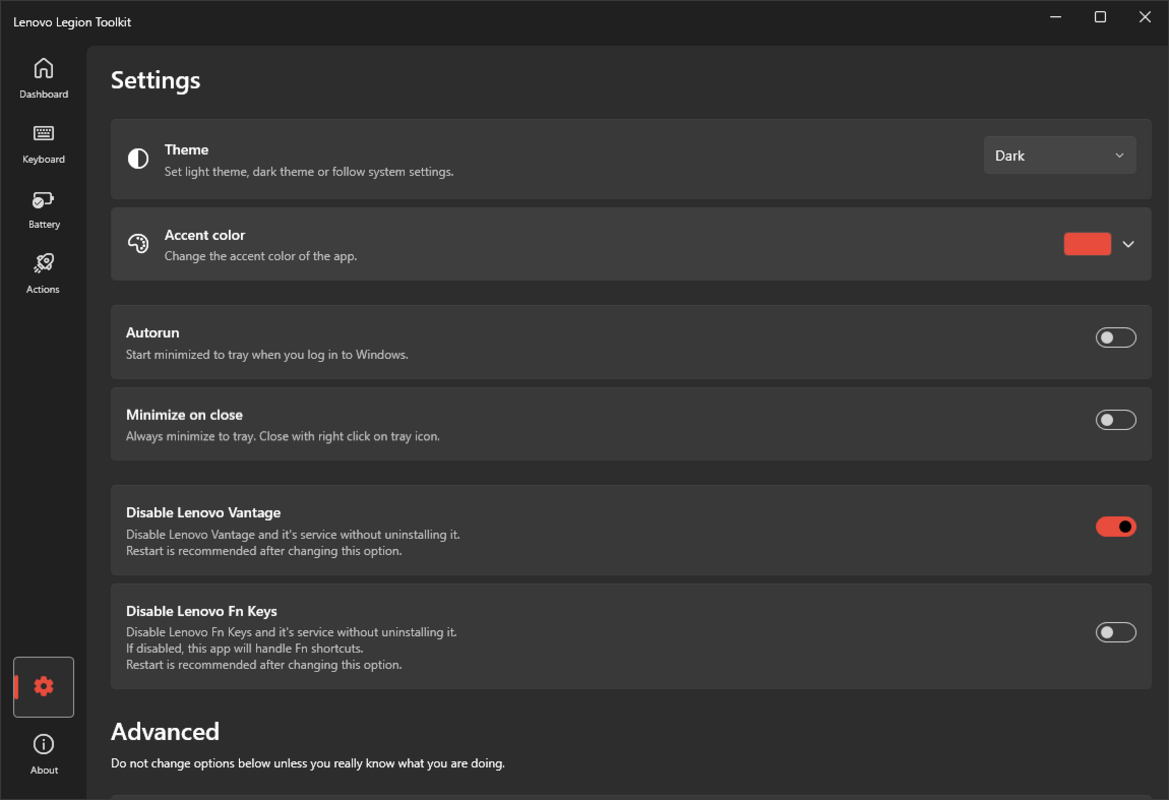
The interface of Lenovo Legion Toolkit is clean and intuitive, with a streamlined layout that prioritizes accessibility and clarity. Navigation is straightforward, with clearly labeled sections for energy, graphics, battery, keyboard, and power plans. Visual design emphasizes functionality over ornamentation, aligning with the app’s utility-focused identity.
Users can quickly locate and adjust settings without navigating through multiple menus, reducing cognitive load and enhancing productivity. The app responds promptly to user inputs, indicating smooth interaction and efficient background processing. Although the developer did not list formal performance metrics, the lightweight footprint of 12.8 MB suggests minimal system resource consumption.
Performance is expected to be stable across mid-to-high-end Windows devices, particularly Legion laptops. Responsiveness remains consistent during configuration changes, and the app maintains stability during extended use. No reported crashes or freezes were documented in available information. The app does not require high-end hardware to run, making it accessible to a broad range of users.
Platform Compatibility & Technical Requirements
Lenovo Legion Toolkit is available for the Windows platform. The app is designed to run on modern Windows systems, though specific OS version requirements were not provided by the developer. The software version is 1.1.1, with a file size of 12.8 MB, indicating a compact and efficient installation package.
Compatibility information was not fully disclosed. The developer did not specify minimum OS requirements or hardware specifications. As a result, users should ensure their system meets general Windows compatibility standards for running lightweight utilities. The app is free to download and install, with no in-app purchases or subscription models.
Pros and Cons
Pros
- Lightweight design with minimal system resource usage
- Targeted functionality for Legion laptop users
- Intuitive interface with clear navigation
- Free to download and use
- Comprehensive battery health monitoring
Cons
- Specific system requirements were not listed
- Compatibility with non-Legion Lenovo devices is unclear
- Developer did not provide update frequency details
- No advanced diagnostics beyond basic battery metrics
- Platform availability limited to Windows
FAQ
Is Lenovo Legion Toolkit available for Android or iOS?
Currently, Lenovo Legion Toolkit is only available for Windows. There is no official version for Android or iOS devices.
Can I use this app on non-Legion Lenovo laptops?
The app is designed specifically for Legion laptops. While it may function on other Lenovo models, its features are optimized for Legion hardware and may not provide full functionality on non-Legion devices.
Is the app secure to download and install?
Yes, the app is developed and distributed by Lenovo, a trusted technology company. It is free from known malware and can be safely downloaded from official sources.
How often does the app receive updates?
The developer did not disclose the update frequency. Users are advised to check for updates manually or through official channels.
Does the app require admin rights to install?
While specific permissions were not listed, most system-level utilities like this one typically require elevated privileges for full functionality. Users should ensure they have administrator access during installation.
Final Thoughts
Lenovo Legion Toolkit stands out as a focused, efficient solution for users seeking to optimize their Legion laptop’s performance without the bloat of larger system utilities. Its clean interface, practical features, and emphasis on battery and graphics control make it an essential tool for gamers, creatives, and mobile professionals.
By offering precise control over power plans, graphics switching, and battery diagnostics, the app empowers users to tailor their device’s behavior to their exact needs. The absence of ads, in-app purchases, and a free price point further enhance its value proposition.
For anyone invested in maximizing the potential of their Legion laptop, this toolkit delivers tangible benefits with minimal overhead. Download Lenovo Legion Toolkit now.
Guides & Tutorials for Lenovo Legion Toolkit
How to install Lenovo Legion Toolkit
- Click the Preview / Download button above.
- Once redirected, accept the terms and click Install.
- Wait for the Lenovo Legion Toolkit download to finish on your device.
How to use Lenovo Legion Toolkit
This software is primarily used for its core features described above. Open the app after installation to explore its capabilities.
User Reviews for Lenovo Legion Toolkit 0
No reviews found


